


3D Visualization: How Architects Help You See Your Home Before It's Built
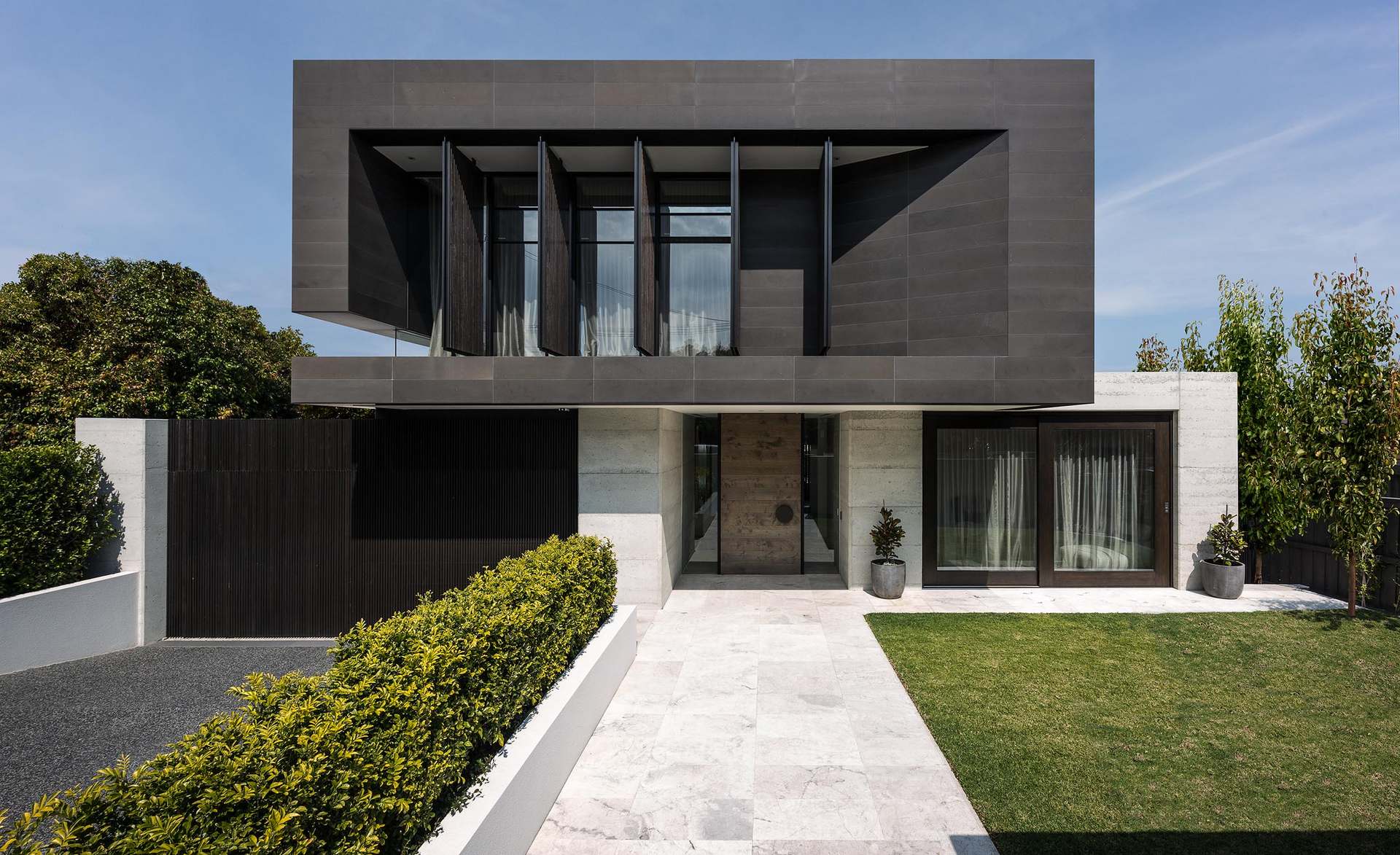
Imagine walking through your home before a single brick is laid. 3D visualization makes this possible, transforming abstract plans into realistic images and virtual experiences. This technology has revolutionized how architects communicate design and how clients make decisions.
What 3D Visualization Provides
Modern visualization technology offers multiple ways to experience unbuilt designs.
Static renderings: Photorealistic images showing specific views. Exterior shots reveal how your building will appear in its setting. Interior views show room atmosphere, materials, and light.
Animated sequences: Video walkthroughs moving through spaces. Reveal spatial flow and room relationships that static images cannot convey.
Virtual reality (VR): Immersive experiences where you navigate spaces with a headset. The closest experience to being inside the finished building.
Augmented reality (AR): View your design overlaid on the actual site through your phone or tablet. See the building in its real context.
Real-time rendering: Interactive models you can manipulate—change materials, move furniture, adjust lighting instantly.
Each technology serves different purposes at different project stages.
Why Visualization Matters
Traditional drawings—plans, elevations, sections—communicate essential technical information. But most clients struggle to understand them fully.
The problem with drawings:
- Flat representations of three-dimensional spaces
- Scale difficult to perceive
- Materials shown symbolically, not realistically
- Light and atmosphere impossible to convey
- Spatial relationships unclear
What visualization solves:
- Shows actual appearance, not symbolic representation
- Communicates scale and proportion intuitively
- Demonstrates material textures and colors
- Simulates natural and artificial lighting
- Reveals spatial experience before construction
Visualization bridges the gap between professional technical communication and client understanding.
Decision-Making Benefits
Visualization transforms how design decisions are made.
Material selection: Seeing flooring, wall finishes, and furniture together reveals whether combinations work. Avoid discovering clashes after installation.
Spatial assessment: Room sizes that seem adequate on plan may feel cramped in reality—or surprisingly spacious. Visualization reveals actual experience.
Furniture planning: Test furniture arrangements before purchasing. Ensure your existing furniture fits new spaces.
Lighting evaluation: Understand how natural light enters rooms throughout the day. Assess artificial lighting schemes before electrical installation.
Color coordination: See how paint colors work with fixed elements. Make confident color decisions.
Design alternatives: Compare options side-by-side. Choose between layouts, finishes, or details with visual evidence.
Interior design services use visualization to develop and refine interior schemes.
Types of Architectural Renders
Different visualization types serve different purposes.
Exterior perspective renders:
- Show building appearance from key viewpoints
- Include landscaping and context
- Demonstrate facade materials and proportions
- Usually 2-4 views per project
Interior room renders:
- Focus on specific rooms or spaces
- Show finish materials and furnishings
- Demonstrate lighting atmosphere
- Usually key rooms: living, kitchen, master bedroom, bathroom
Bird’s eye views:
- Show overall site layout
- Demonstrate building relationship to surroundings
- Useful for complex sites or multiple buildings
Section perspectives:
- Cut-away views showing internal organization
- Reveal floor-to-ceiling relationships
- Demonstrate multi-level connections
Material boards: Flat presentations combining photos of actual materials with room renders. Show exact products being specified.
The Visualization Process
Creating quality visualizations requires systematic approach.
Design completion: Visualization works best after design decisions are made. Creating renders of undeveloped designs wastes resources.
Model building: The architect creates a detailed 3D computer model of the building. This digital model contains all geometry and spatial information.
Material application: Textures, colors, and finishes are applied to model surfaces. Accurate material representation requires careful selection.
Lighting setup: Virtual light sources simulate sun position, artificial fixtures, and ambient light. Lighting dramatically affects image quality.
Camera placement: Virtual cameras are positioned for informative, attractive views. Camera choices significantly impact how spaces appear.
Rendering: Powerful computers calculate how light interacts with materials to produce images. High-quality renders may take hours to calculate.
Post-processing: Final images are adjusted for color accuracy, contrast, and clarity.
How to Review Visualizations
Getting maximum value requires active engagement.
Questions to ask yourself:
- Does the space feel right for my lifestyle?
- Are proportions comfortable?
- Do materials work together?
- Is there enough natural light?
- Does furniture fit comfortably?
- Are there any surprises?
Questions to ask your architect:
- Is this view accurate to scale?
- How will this look at different times of day?
- Can we see alternative material options?
- What’s outside the frame?
- Are these the actual products specified?
Common misunderstandings:
- Renders show ideal conditions—reality may be messier
- Lighting in renders may be more dramatic than reality
- Furniture shown may not be included in scope
- Perfect styling (art, accessories) requires additional budget
Limitations to Understand
Visualization is powerful but imperfect.
What visualization cannot show:
- Exact color accuracy (monitor limitations)
- Tactile material qualities
- Acoustic properties
- Smell and temperature
- Actual construction quality
Potential misleading aspects:
- Ideal staging may not reflect real living
- Perfect weather and lighting conditions
- Absence of clutter and personal items
- Simplified surroundings
Use visualization as a design tool, not a guarantee of outcome. Construction quality, material installation, and styling affect final result.
Requesting Visualization Services
Understanding costs and scope helps budget appropriately.
Typical visualization costs:
- Basic exterior render: €200-500
- High-quality exterior render: €500-1,000
- Interior room render: €300-700
- Animation/walkthrough: €1,500-5,000
- VR experience: €2,000-8,000
What affects cost:
- Image resolution and quality
- Model complexity
- Number of views
- Revision rounds included
- Timeline requirements
What to specify:
- Which views you need
- Quality level required
- Material accuracy expectations
- Revision allowance
Architecture services often include basic visualization in design fees, with enhanced visualization available additionally.
Using Visualization Effectively
Maximize value from visualization investment.
During design development:
- Request visualizations after key decisions
- Use renders to compare options
- Share with family members for input
- Identify issues before construction
For contractor communication:
- Include renders in tender documents
- Show expected quality level
- Reduce interpretation disputes
- Create clear visual reference
For personal records:
- Document design intent
- Reference during construction
- Compare finished result
The Future of Visualization
Technology continues advancing.
Emerging capabilities:
- Real-time photorealistic rendering
- Affordable VR experiences
- AI-assisted visualization
- Instant design alternatives
- AR site visualization on phones
Impact on design process:
- Faster design iteration
- Better client communication
- Fewer construction surprises
- More confident decision-making
As technology advances, visualization becomes more accessible and more valuable for projects of all sizes.
Getting Started
Quality visualization transforms how you experience your project before construction. Understanding your future home reduces uncertainty and builds confidence in design decisions.
Contact us to discuss how visualization can help you see and understand your project before building begins.